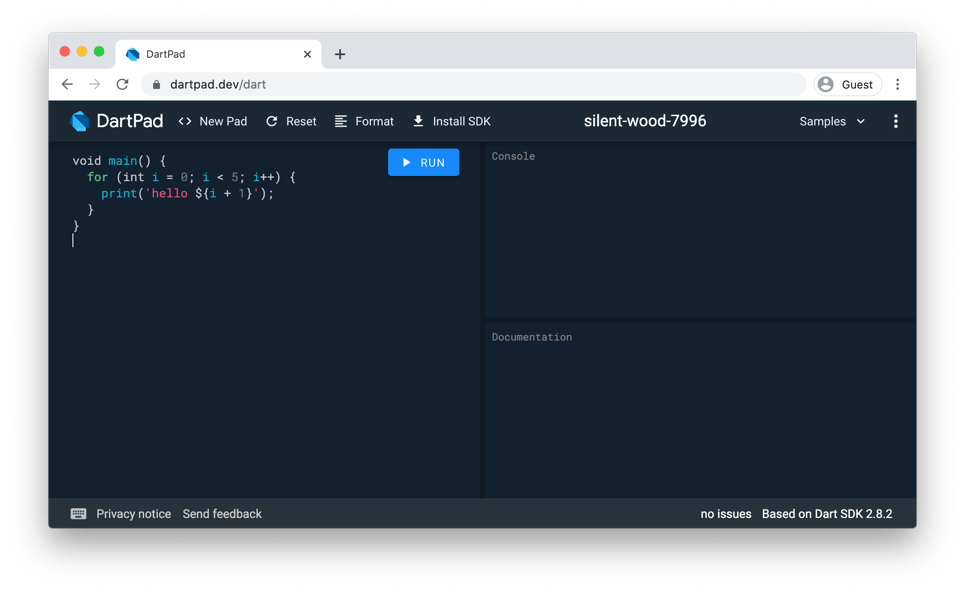
Dart Editor

Dart Editor is an open-source tool for editing, debugging, and running Dart applications. To learn about other tools you can use for Dart development, see Tools for Dart.

Contents

  1. Getting Dart Editor
    1. Updating
  2. Installing Dart Editor
  3. Using Dart Editor
  4. Features
  5. Filing bugs and feature requests
  6. Troubleshooting

Getting Dart Editor

Dart Editor is in the Dart download for , , or . See Up and Running for help with downloading and launching Dart Editor.

Want to live on the bleeding edge? Download the latest continuous build: 64-bit or 32-bit. latest continuous build. latest continuous build: 64-bit or 32-bit. Be sure to send feedback!

The default version of Dart Editor is the integration build. It's automatically updated about once per week. The change log has a list of release dates and features. The continuous build, on the other hand, is the latest, untested version of Dart Editor. If you use the continuous build, please get new builds frequently, and send feedback about new features and bugs that you encounter.

Updating

Dart Editor can automatically update itself, along with the SDK and Dartium, whenever a new integration build is available. To enable automatic updates, go to Preferences, choose Update, and select Download updates automatically.

If you'd rather choose when to update, make sure Download updates automatically is not selected. Then when you're ready to update, use the About Dart Editor dialog to download and apply updates.

Installing Dart Editor

Unzip the file you downloaded. You're done!

Want to use command-line tools, as well? You already have them, thanks to the Dart download including the SDK. However, you might want to set environment variables, as described in the SDK page.

Using Dart Editor

To get started with Dart Editor, read these:

Target 1: Get Started (the first tutorial in A Game of Darts)
Gently introduces you to Dart Editor, from downloading it to creating and running apps.
Up and Running (a section from Chapter 1 of Dart Up and Running)
Quickly leads you through downloading Dart Editor, running a sample, and creating an app.

For details on using Dart Editor, read this:

Dart Editor (a section from Chapter 4 of Dart Up and Running)
Teaches how to use Dart Editor—for example, how to set up launches for different browsers.

Features

Dart Editor, with its static analysis engine and direct integration with Dartium, helps you develop, debug, and maintain your apps.

  • Code completion in Dart Editor
    Code completion

    Explore the methods and fields available to the object you're working on.

  • Refactoring in Dart Editor
    Refactoring

    Change your code structure without changing the behavior.

  • Code completion in Dart Editor
    Outline view

    List the classes, methods, and functions in a simple tree display.

  • Debugging in Dart Editor
    Debugger

    Set breakpoints, inspect variables, and step over, into, and out of code.

  • Static analysis warnings in Dart Editor
    Static analysis

    See warnings when inconsistencies and potential problems are detected.

  • Find callers for methods in Dart Editor
    Find callers

    Quickly find all callers for a method, and easily jump to those locations.

Filing bugs and feature requests

Click the SEND FEEDBACK link (at the upper right of the Dart Editor window) whenever you notice a problem or have an idea for improving Dart Editor. We’ll open a new issue for you, if appropriate, without disclosing your sensitive or personally identifiable information.

To see existing issues or create a new one directly, go to the Dart Editor issue list.

Troubleshooting

Troubleshooting Dart Editor gives solutions to problems you might encounter when installing and launching Dart Editor.